
Share wallboxes and parking spots with an app.
In holiday apartment complexes, many garage spots stay free for a large part of the year. AlpGrid makes free sharing possible among the owners who are there at the time. And several parking spots can share one wallbox.
How AlpGrid comes to your complex See the app
The app is expected on the App Store and Google Play in winter 2026/27. Property managers can already request a quote and have their complex prepared.

Want to charge in your complex?
-
1
Decide on shared wallboxes.
The owners' association buys a few wallboxes for everyone instead of one per spot. That is enough, because everyone is rarely there at the same time.
-
2
Introduce AlpGrid at the same time.
A shared wallbox sits next to spots that belong to individual owners. So that all app users can charge whenever possible, AlpGrid organises who parks where and when, and who charges when.
Lower costs. More space.
What you gain
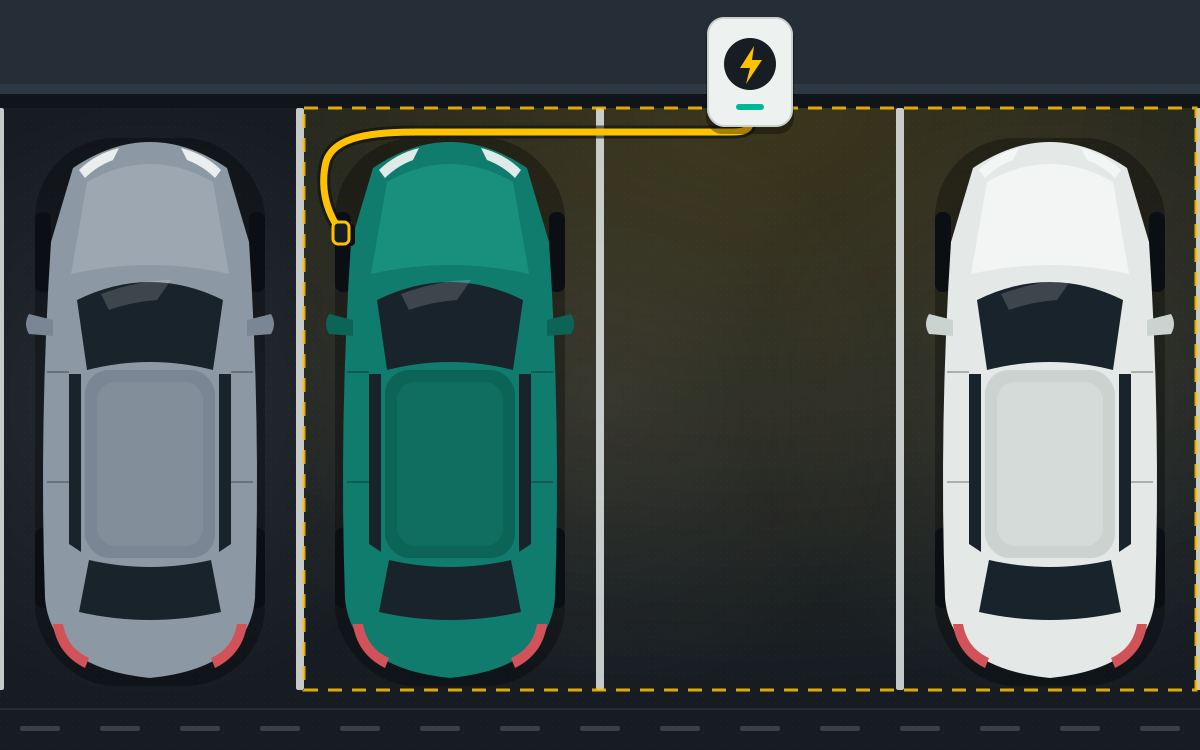
Charging at the shared wallbox
You reserve your charging time by the hour in the app. Your complex bills the electricity, for example via charging cards.
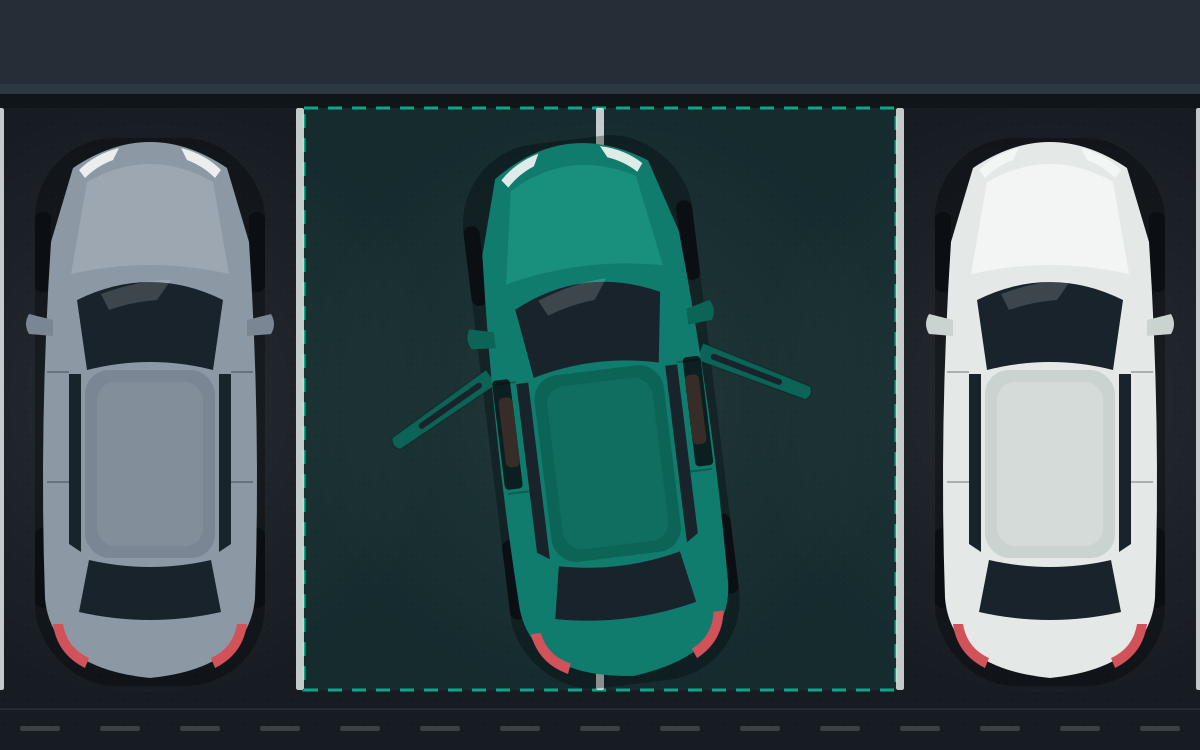
Also: more room to get out, or for visitors
Reserve two spots side by side so getting in and out is easy. In the same way, visitors or a second car find a spot.
Your spot stays your spot
-
You decide
Once you have registered, your spot is available for others to reserve. If you switch sharing off, you cannot reserve spots or charging times yourself.
-
Your spot is reserved, but you need it yourself?
Take it back, up to two days before the other person arrives. Where possible, AlpGrid automatically moves them to another spot. Or you take another spot yourself.
-
No names, no reasons
Others only see whether a spot is occupied, not why. If someone reserves your spot, you see their spot number, not their name.
How AlpGrid comes to your complex
-
P 1 Talk to your property manager
Send your property management the text below.
-
P 2 Resolution
The owners' meeting decides on AlpGrid, ideally together with shared wallboxes.
-
P 3 Redeem your code
You receive your activation code from the property management, download the app and enter the code.
Text for your property manager
Select the text, copy it and send it by email to your property management.
Subject: AlpGrid for our complex

Hello,

I have come across AlpGrid, an app that lets owners share parking spots and wallboxes. Could we discuss it at the next owners' meeting?

More information: https://alpgrid.app/en/

Kind regards
We contact your property manager
Write to us at info@alpgrid.app with the name and location of the complex and the name of your property management.
We write to your property management without mentioning your name. In very small complexes, the property management may still be able to draw conclusions. More in the privacy policy.
For property managers
AlpGrid itself needs no hardware.
We set up your complex and manage the access. You bring AlpGrid to the owners' meeting, send out the codes and let us know when a spot changes owner. Owners who don't want to take part don't need to do anything.
Request a quote
Write to us at info@alpgrid.app. Please tell us the name and location of the complex, the number of parking spots and wallboxes and, if known, the date of the next owners' meeting. We will get back to you with a quote.
The app is expected on the App Store and Google Play in winter 2026/27. Property managers can already request a quote and have their complex prepared.
The help section answers questions about using the app.